
10 Powerful Pinterest Resources Every Beginner Should Bookmark
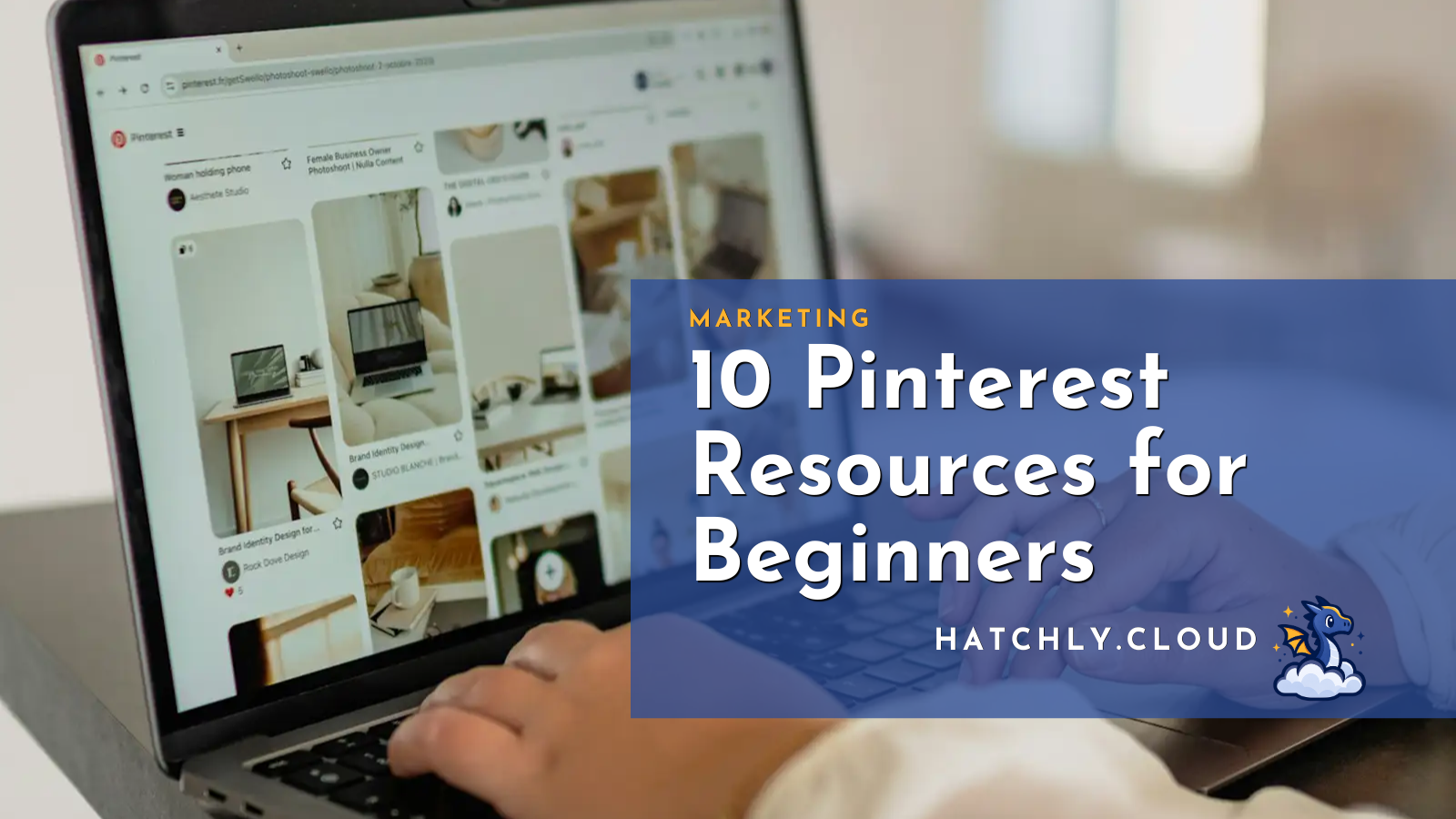
Pinterest can be an incredible source of long-term traffic for bloggers, creators, and business owners. Unlike many social media platforms where posts disappear within hours or days, Pinterest content can continue generating clicks, saves, and visitors long after it’s published.
The challenge? Knowing where to start. Between blogs, YouTube videos, courses, podcasts, and the 37 tabs you opened after searching “Pinterest tips,” it’s easy to feel overwhelmed.
Fortunately, there are plenty of free and affordable Pinterest resources that can help you learn the platform, spot trends, create better pins, and grow your reach.
Here are ten Pinterest resources worth bookmarking.
1. Pinterest Business
Pinterest Business provides official guidance directly from Pinterest. You’ll find best practices, marketing tips, and tools designed to help businesses and creators succeed on the platform.
Best of all, it’s completely free. If you’re serious about using Pinterest for traffic, this should be your first stop for high-quality Pinterest resources.
2. Pinterest Trends
Pinterest Trends shows what people are actively searching for on the platform. It’s one of the easiest ways to discover seasonal topics, rising interests, and content ideas.
The tool is free and especially useful when planning blog posts, digital products, or content calendars. It’s a lot more effective than staring at a blank document and hoping inspiration magically appears!
3. Pinterest Academy
Pinterest Academy offers free courses covering topics such as Pinterest advertising, content strategy, and platform fundamentals.
If you enjoy learning through structured lessons rather than piecing together information from twenty different blog posts, this Pinterest resource is worth exploring. Your future self may even thank you for finally closing a few browser tabs.
4. Tailwind
Tailwind is one of the most popular Pinterest scheduling tools available. It allows you to schedule pins, analyze performance, and manage content more efficiently.
While Tailwind offers paid plans, there are limited free features available for users who want to test the platform before committing. It’s a great option if you’d rather spend time creating content than manually scheduling every pin yourself.
5. Canva
Canva makes creating Pinterest graphics incredibly simple. If you’ve ever spent 45 minutes nudging text one pixel to the left and then back to the right again, Canva can save you a lot of frustration.
The free version is surprisingly capable, though Canva Pro unlocks additional templates, stock photos, and AI features. If you’ve ever spent 45 minutes nudging text one pixel to the left and then back to the right again, Canva can save you a lot of frustration.

🔥 Hatch’s Hot Take
Many people treat Pinterest like social media. It’s not!
Pinterest behaves much more like a search engine, which means a great pin can continue driving traffic months—or even years—after it’s published. That’s one of the reasons so many businesses are investing more time into Pinterest rather than relying entirely on platforms where content disappears almost immediately.
And honestly? There’s something satisfying about creating content once and having it continue working for you long after you’ve forgotten which notebook, spreadsheet, or sticky note you originally planned it in.
6. Simple Pin Media
Simple Pin Media has been teaching Pinterest marketing for years. Their blog and podcast cover everything from beginner basics to advanced Pinterest resources and strategies.
If you’re looking for practical advice without a lot of fluff, this is a great resource. Sometimes it’s nice to learn from someone who’s already made the mistakes so you don’t have to!
7. Pin Generator
Pin Generator helps automate the process of creating multiple Pinterest pins from a single piece of content. This can save a significant amount of time for bloggers and content creators.
The platform offers paid plans and occasional free trials, making it easy to see whether it fits your workflow. After all, if you’re managing a blog, social media, email marketing, and three side projects, every little bit of automation helps.
8. Pinterest Help Center
Sometimes the best resource is the official documentation. The Pinterest Help Center provides answers to common questions, troubleshooting guidance, and policy information.
It’s not the most exciting bookmark on this list, but it can save you a lot of frustration. Think of it as the broccoli of Pinterest resources—not glamorous, but surprisingly useful.
9. Metricool
Metricool allows users to schedule content, monitor analytics, and manage multiple social platforms from one dashboard.
Pinterest is just one piece of the puzzle, which makes Metricool appealing for creators who want to streamline their marketing efforts. The free plan is generous enough for many beginners, too.
10. Ahrefs Pinterest Guide
Ahrefs is primarily known for SEO tools, but they also publish excellent educational content. Their Pinterest resource guides help explain how Pinterest search works and how to create content that gets discovered.
Even if you never use Ahrefs’ paid tools, their educational resources are worth reading. It’s a great reminder that Pinterest and search engines actually have more in common than many people realize.
Where Will Your Next Idea Take You?
Explore the Hatchly Library for more business ideas, side hustles, tools, and resources designed to help you launch your next project.

Biz Ideas
Discover startup ideas, online businesses, and new opportunities.

Resources
Find tools & resources to help you create and grow faster.

Side Hustles
Build additional income streams and launch new projects.
Productivity
Systems and strategies to help you stay focused and organized.
Final Thoughts
Pinterest can feel overwhelming when you’re first getting started, but you don’t need to master everything at once. Pick one or two Pinterest resources from this list, learn the basics, and focus on creating helpful content consistently.
You don’t need to create 500 pins this weekend, build an elaborate color-coded tracking system, or spend six hours researching the “perfect” Pinterest strategy before taking action. Progress beats perfection every time.
The good news? A single well-designed pin can keep working for you long after you’ve moved on to your next project.
join the nest
Never miss an idea
Get business ideas, AI tools, productivity tips, and entrepreneurial inspiration delivered straight to your inbox.